Blog
Written by

Gleb Samokhvalov
Published on

You shouldn’t have to open the close checklist every time you need a status update or want to change an assignment. That’s the idea behind Stacks MCP, which we’re releasing today.
It connects your Stacks checklist to the AI assistant you already use, whether that’s Claude, ChatGPT or Cursor. You can find out where the close stands and move the next task forward from the same conversation.
From a question to the next task
In the launch demo, we start by asking what’s still open. The assistant reads the checklist in Stacks and brings the outstanding work into the conversation, including the tasks that are blocked.
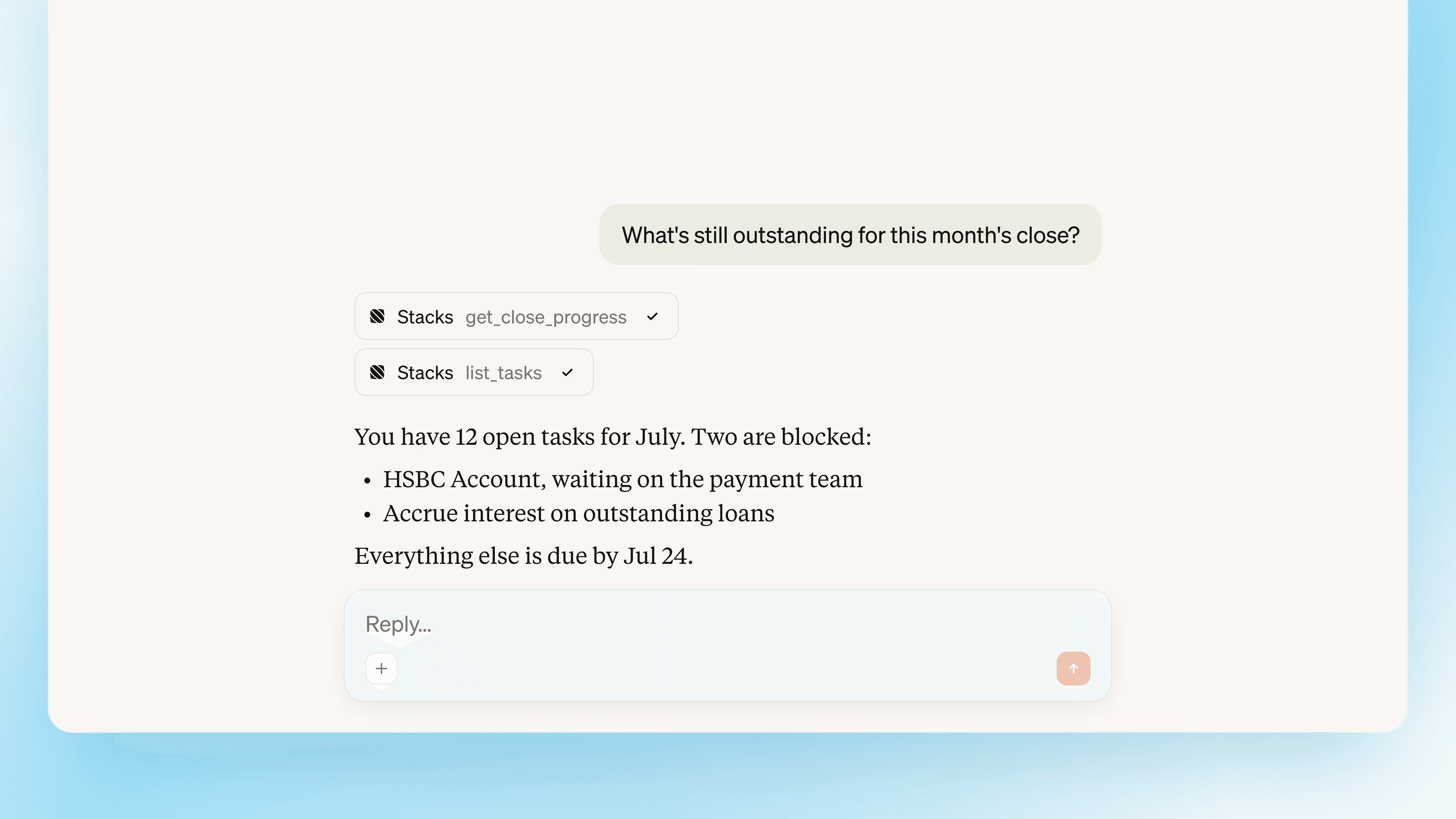
From there, we ask it to create and assign a payroll review task. The task appears in the Stacks checklist, where the team can pick it up. You can go from understanding what needs attention to assigning the next step without opening another app.
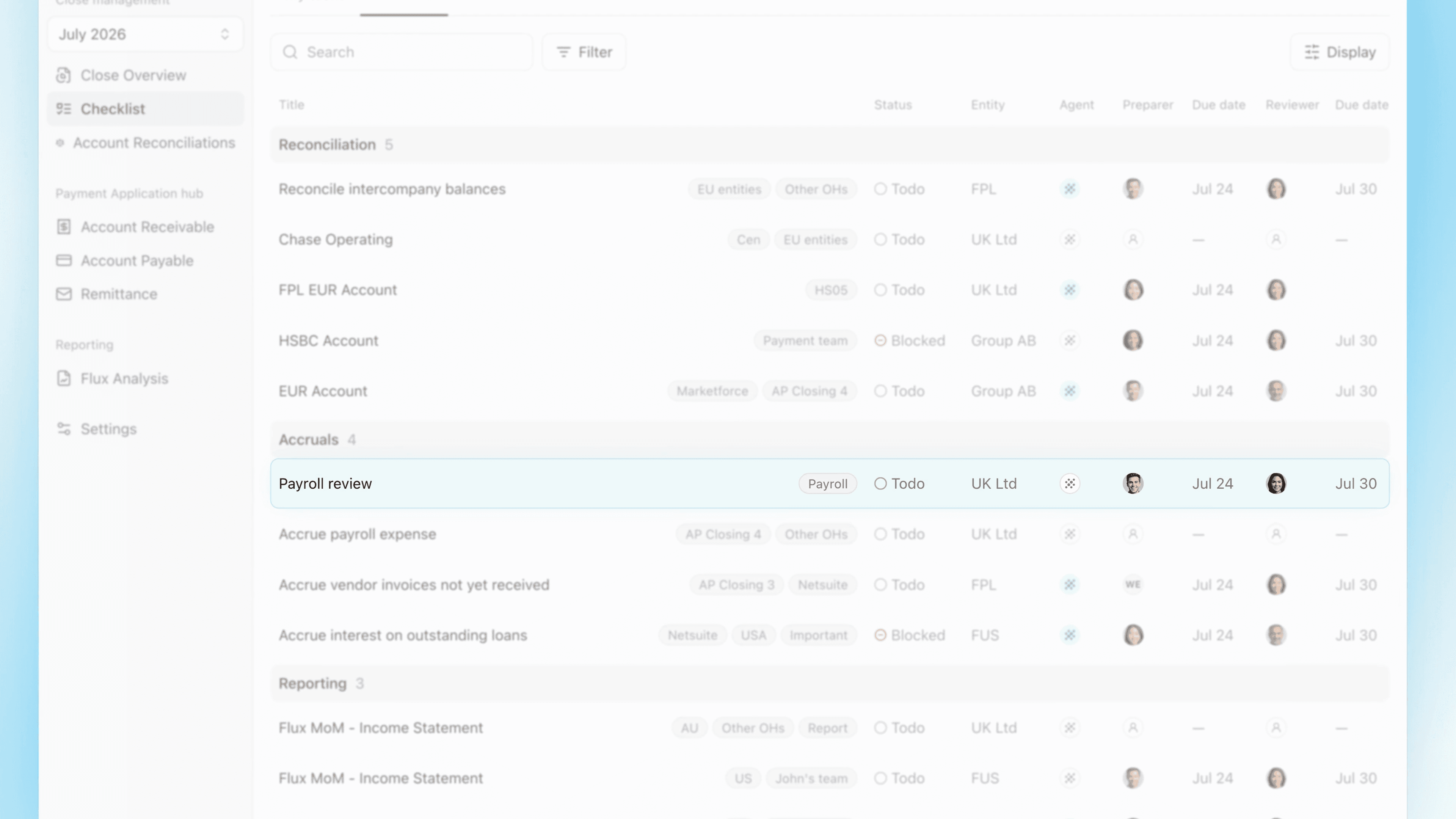
The same approach works across the close. Describe the checklist you need for a new period, move due dates in bulk when plans change, or reassign preparers and reviewers. When your work is ready, you can submit a task or sign off one waiting for your review.
Throughout, the assistant acts on your behalf under your existing Stacks permissions. Any action that changes something in Stacks requires your explicit consent.
Why the accounting work stays in Stacks
We’ve kept this release focused on coordinating the close. Stacks MCP does not access your ERP data, reconcile accounts, post journals or produce financial reports from the chat window. That’s a deliberate product choice.
A reconciliation needs more than the slice of data you paste into a chat. It needs the full ledger across your entities, kept in sync. And when you run it again next month, you need the same procedure and thresholds, with results you can compare.
The work also has to outlast the conversation. A preparer hands it to a reviewer, and an auditor may come back with questions months later. The next person needs to see the evidence and decisions alongside the work, rather than search through someone else’s chat history.
That’s what Stacks is built for. With MCP, you can use your assistant to steer the close while your team continues the accounting work in Stacks, with the data, controls and history together.
Get access to Stacks MCP
Stacks MCP is available to Stacks customers on request. Contact your Stacks team to get access.