Reconciliations that keep up with the close
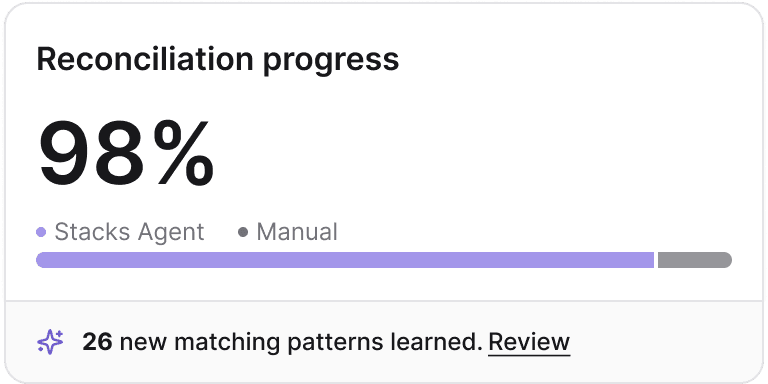
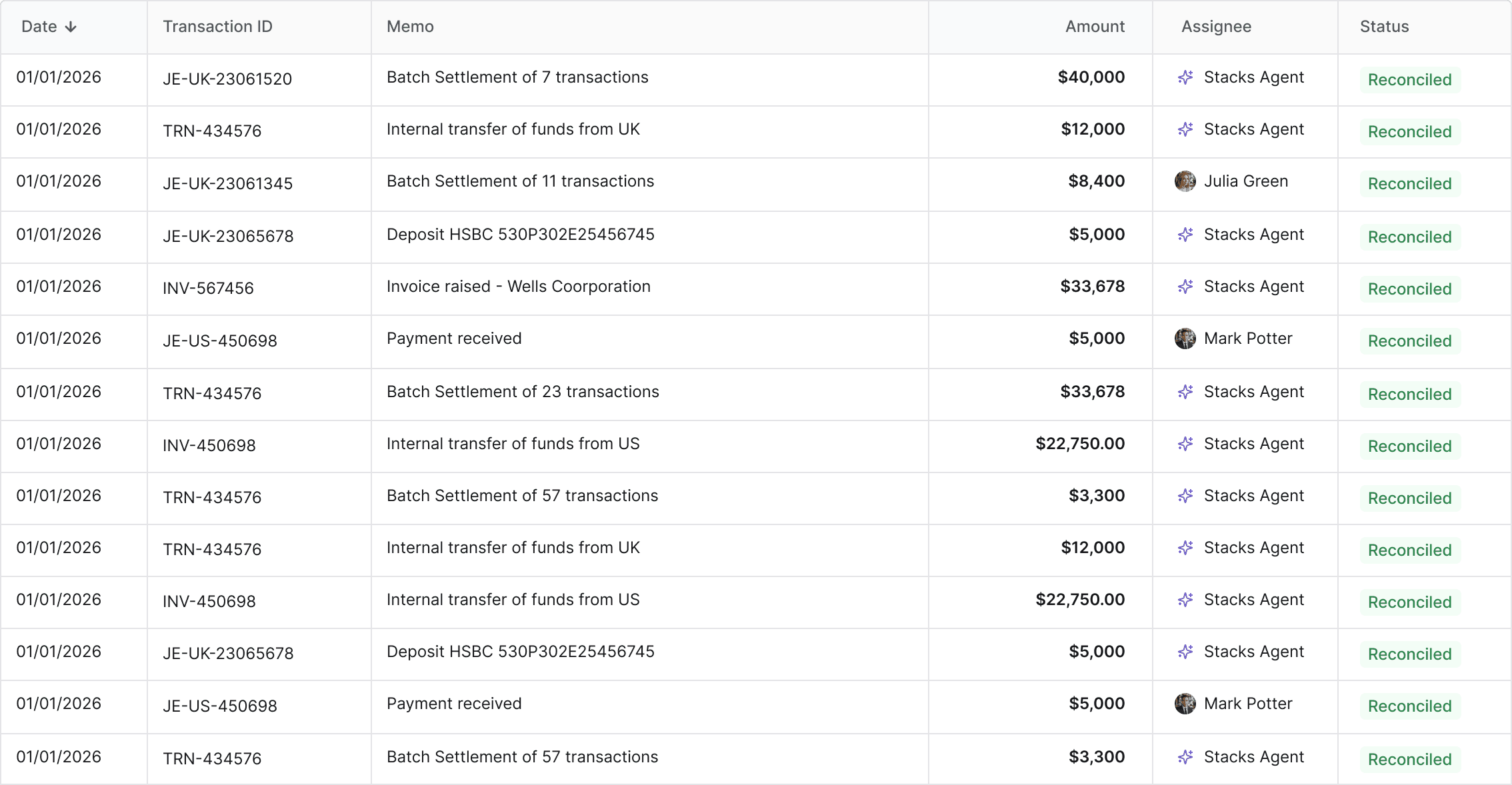
Your reconciliations run continuously against live ERP data instead of waiting for month-end exports. By day one of close, balances are matched, exceptions are surfaced, and your team starts with a prioritised worklist rather than a blank spreadsheet.
Exceptions you can actually resolve
Every unmatched item comes with its probable cause, owner, and supporting evidence already attached. Your team skips the data-gathering step and goes straight to resolution, with the same workflow handling the investigation, the correction, and the sign-off.
Audit evidence built as you reconcile
Every match, exception, and approval is logged with preparer, reviewer, and timestamp as the work happens. Your auditors get the full trail tied to balances and source records without your team assembling it at year-end.
Match faster, resolve sooner, prove it once


Four steps to a clean consolidation
Connect
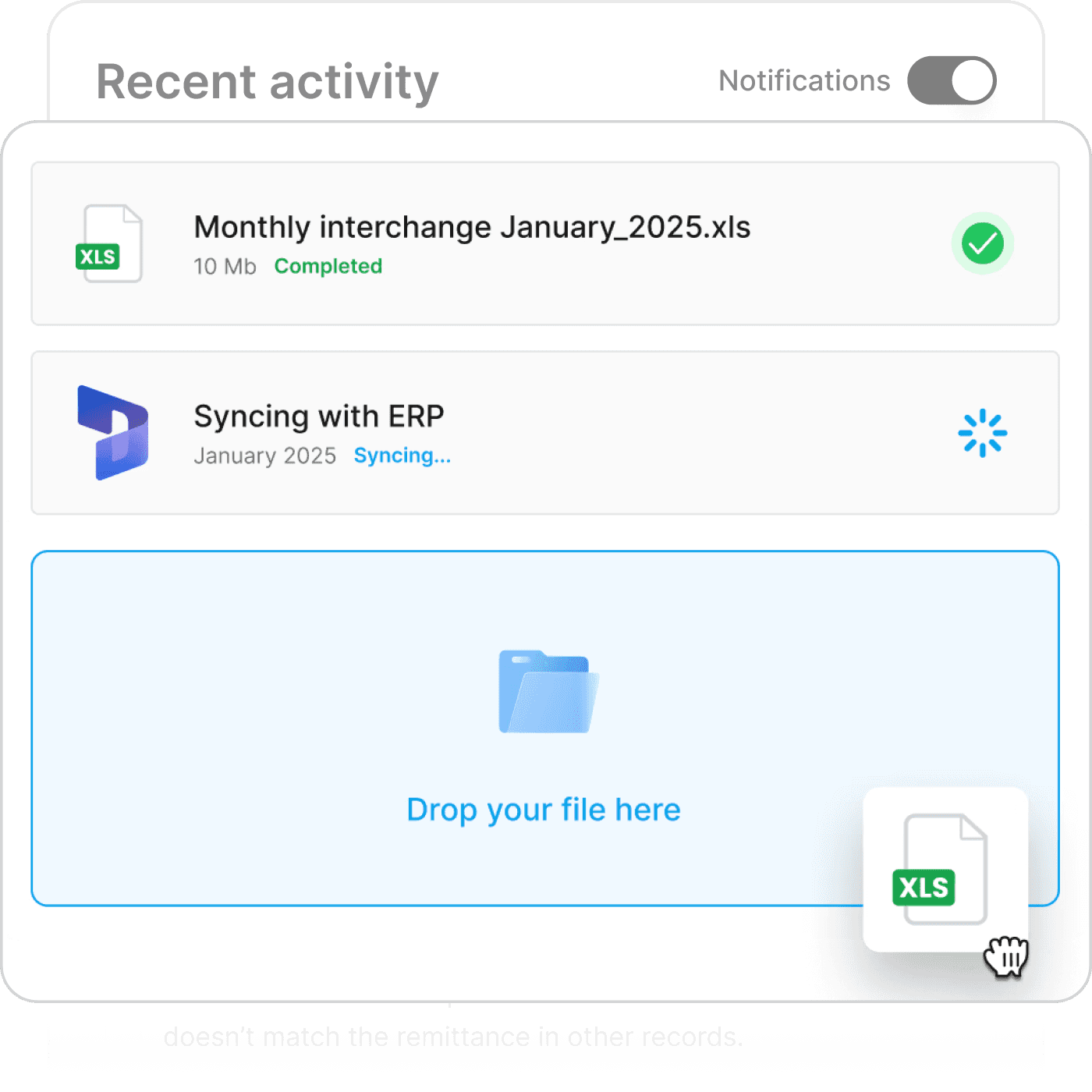
Stacks syncs directly with your ERP, bank feeds, and subledgers. Chart of accounts, opening balances, and historical transactions come across automatically, with no reformatting and no manual exports.
Match
Transactions are matched across sources using your tolerance rules and your historical matching patterns. Confirmed matches are documented, and everything else becomes a prioritised exception with its probable cause attached.
Resolve
Exceptions surface with context, owner, and suggested next step. Your team investigates, adds notes, attaches evidence, and drafts correcting journals: all in-platform, all logged.
Sign Off
Reviewers approve the reconciliation, the period locks, and the audit trail is already assembled. Next period's reconciliation inherits every match pattern and exception your team resolved in this one.